How to Set Up Universal Links and App Links After Firebase
Firebase Dynamic Links is gone. Here is the practical way to rebuild Universal Links, Android App Links, store fallbacks, and branded routing without losing campaign links.
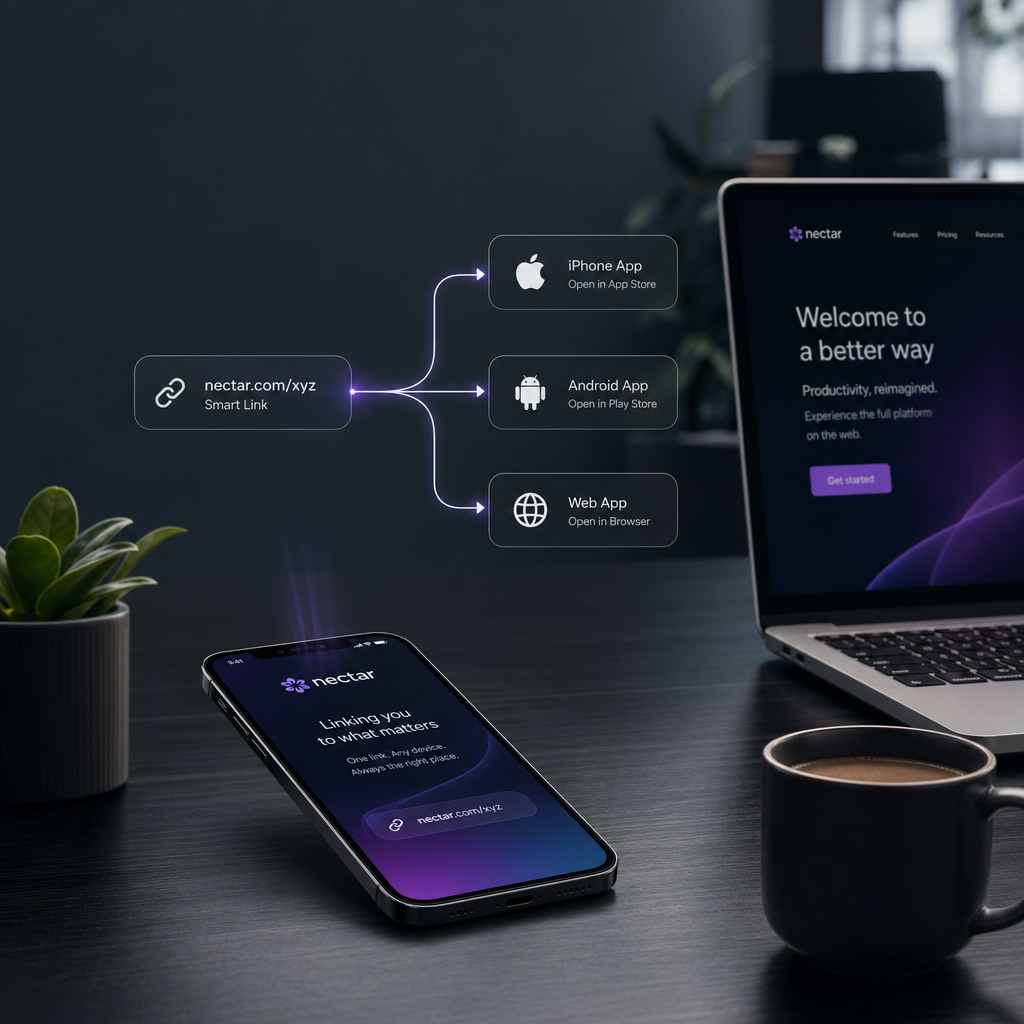
If you still have old page.link URLs sitting in QR codes, app download buttons, onboarding emails, paid social ads, or referral flows, you are not looking for "a Firebase replacement" in the abstract. You are trying to keep real links alive without breaking app opening, store fallback, or campaign measurement.
That is where teams lose time. They compare redirect tools, attribution platforms, deep-link SDKs, and URL shorteners as if they all do the same job. They do not. The cleaner move is to split the problem into the parts you actually need:
- link routing
- native app association
- store or web fallback
- campaign measurement
Once you separate those, the migration gets less mysterious. In most teams, Universal Links and Android App Links handle installed-app opening, while a controlled redirect layer handles branded URLs, device routing, and fallback behavior.
According to the official Firebase Dynamic Links FAQ, Firebase Dynamic Links shut down on August 25, 2025. If you still have campaign links, QR codes, onboarding links, or app download buttons tied to the old setup, this is the point where you stop asking "what is the closest clone?" and start rebuilding a cleaner link layer.
If your migration also involves a new domain, a rebrand, or a website move, keep our website migration redirect checklist nearby. App-link migrations fail for the same reason website migrations do: old links live in more places than the team remembers, and fallback behavior is usually less documented than people think.
The short version
If you want the fast answer:
- Apple Universal Links are for opening installed iOS apps from standard HTTPS links.
- Android App Links do the same job on Android.
- They are not the same as a general redirect service.
- You still need a controlled redirect layer for:
- device-aware routing
- App Store / Google Play fallback
- desktop handoff pages
- branded campaign links
- temporary overrides during launches or outages
That is why most post-Firebase stacks now look like:
go.yourbrand.com/promo
  -> detect device at the edge
  -> iOS installed app: Universal Link target
  -> iOS no app: App Store
  -> Android installed app: App Link target
  -> Android no app: Google Play
  -> Desktop: landing page or QR handoff page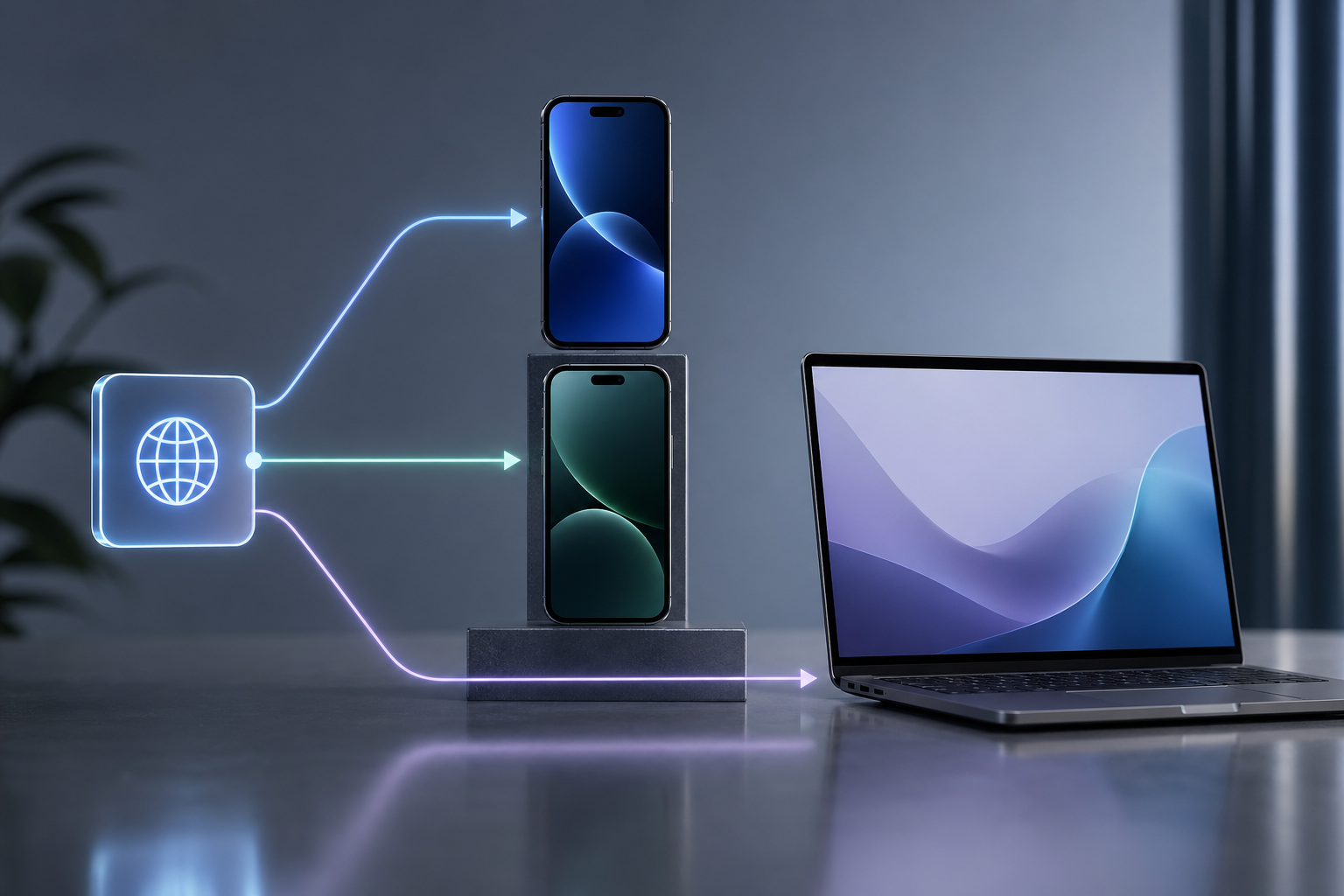
The technical trick is not only getting the redirects right. It is making sure your domain, your app association files, and your fallback rules all agree.
What Firebase Dynamic Links used to bundle together
Many teams used Dynamic Links for more than one job without realizing it. A single link might have been doing all of this at once:
- showing a branded URL
- sending iPhone users to the App Store
- sending Android users to Google Play
- opening the installed app when possible
- preserving UTM parameters
- giving marketing one shareable campaign URL
When that bundle disappears, the replacement conversation becomes confusing because different stakeholders care about different pieces.
Marketing usually cares about:
- one clean branded link
- campaign parameters that survive
- QR code and ad destination stability
- social and email links that do not break later
Mobile teams usually care about:
- installed-app opening
- correct path handoff into the app
- reliable iOS and Android verification
- fewer edge cases in webviews and fallbacks
SEO and web teams usually care about:
- canonical domains
- redirects that do not chain
- migration control
- keeping old campaign or docs URLs valid
The replacement stack works better when you design for all three groups instead of pretending this is only a mobile SDK problem.
Universal Links vs App Links: what each one actually does
Apple Universal Links
Apple Universal Links let a normal HTTPS link open your installed iOS app directly, as long as:
- the domain is associated with the app
- the app declares the right capability
- the domain serves a valid
apple-app-site-associationfile - the link path matches what the app expects
If those conditions are not satisfied, the user usually stays in the browser instead of dropping into the app.
Android App Links
Android App Links do the equivalent job on Android. They rely on:
- a verified domain
- Android manifest configuration
- a valid
assetlinks.json - path handling inside the app
Without verification, the OS may not treat your domain as a trusted app destination.
What they do not replace
Neither Universal Links nor App Links is a full campaign-routing system. They do not automatically solve:
- desktop fallback logic
- temporary campaign redirects
- branded short-link management
- traffic routing by device or OS version
- store fallback pages for uninstalled users
- bulk redirect operations during migrations
That is where an edge routing layer still matters.
The clean replacement architecture
Here is the architecture most teams can actually maintain and still explain to each other six months later:
Layer 1: a branded entry domain
Use a domain you control, such as:
go.yourbrand.comlink.yourbrand.comapp.yourbrand.com
This becomes the stable public link surface for:
- ads
- QR codes
- social bios
- lifecycle campaigns
- install prompts
Layer 2: device-aware routing
Use a routing layer that can decide, at click time:
- iPhone vs Android vs desktop
- phone vs tablet if needed
- webview vs normal browser if relevant
- campaign-specific fallback pages
This is where UrlEdge fits naturally. Device targeting gives you one controlled entry link, while the underlying routing logic decides where that request should go.
Layer 3: native app association
Then wire the platform-specific trust files:
/.well-known/apple-app-site-associationor/apple-app-site-association/.well-known/assetlinks.json

This is the part many teams underestimate. If your app association files are wrong, the routing layer can still send traffic in the right general direction, but installed-app opening will remain inconsistent.
Layer 4: desktop and uninstalled-app fallback
Define what happens when the user does not have the app installed:
- App Store page
- Google Play page
- desktop landing page
- QR handoff page
- product-specific explainer page
Do not leave this vague. "Fallback exists" is not a deployment plan.
Where teams get stuck: the verification files
One practical problem comes up constantly: the team knows it needs apple-app-site-association and assetlinks.json, but the current web platform makes those files awkward to host.
This shows up all the time when the main site lives on:
- Shopify
- Wix
- Webflow
- a locked-down CMS
- a frontend platform without easy root-file control
That is one reason this is a good product-led topic for UrlEdge instead of a generic mobile post. UrlEdge's custom response tool can serve raw root-path files such as apple-app-site-association, assetlinks.json, or even ads.txt from the edge when the origin platform is not convenient for that job.
That is not the whole migration. But it removes one of the blockers that causes app teams and web teams to wait on each other for too long.
A step-by-step setup plan
Step 1: inventory every public app link you still care about
Do not migrate from memory.
Pull links from:
- paid campaigns
- QR codes
- website download buttons
- onboarding emails
- referral flows
- social bios
- support articles
- lifecycle push or SMS journeys
At minimum, track:
public_url,owner,use_case,ios_destination,android_destination,desktop_destination,utm_policy
https://go.brand.com/app,marketing,download,https://apps.apple.com/app/...,https://play.google.com/store/apps/...,https://brand.com/download,preserve
https://go.brand.com/invite,growth,referral,universal-link://invite,app-link://invite,https://brand.com/invite,preserve
The URLs themselves are the migration unit, not just the apps.
Step 2: separate "installed app opening" from "store fallback"
These are related, but they are not the same behavior.
For each public link, answer:
- If the app is installed, should the link open the app?
- If not installed, should it go to the store or to the web?
- What should desktop users see?
- Should campaign parameters survive?
This is where link logic becomes much cleaner. Many teams realize half their public links never needed native app opening in the first place.
Step 3: choose the canonical public domain
Pick the domain that should own your app-link strategy going forward.
Good options:
go.brand.comlinks.brand.comapp.brand.com
Why it matters:
- campaign links stop depending on a vendor-owned hostname
- DNS and SSL stay under your control
- migration risk gets lower the next time your stack changes
- app association files have one stable home
If you are also consolidating domains, pair this with domain forwarding that preserves paths and UTM parameters.
Step 4: publish and validate the association files
On iOS, serve the correct apple-app-site-association.
On Android, serve the correct assetlinks.json.
The exact format depends on your app bundle IDs, package names, and paths, so always validate against the official docs:
If your site platform makes this painful, that is where serving raw responses from the edge can save time.
Step 5: define routing rules for installed, uninstalled, and desktop states
A clean rule set usually looks like this:
For iOS
- installed app -> Universal Link target
- no app -> App Store
For Android
- installed app -> App Link target
- no app -> Google Play
For desktop
- landing page
- docs page
- QR handoff page
- product explainer page
If you need different targets for tablet traffic, old OS versions, or specific geographies, define that now instead of stacking ad hoc redirects later.
Step 6: test in real browsers and real app contexts
At minimum test:
- iPhone Safari
- iPhone in-app browsers where your audience actually clicks links
- Android Chrome
- Android in-app browsers
- desktop Chrome
- desktop Safari
Also test with:
- app installed
- app not installed
- UTM parameters present
- QR code entry
- social or email entry links
This is where teams usually discover the difference between "the link resolves" and "the real user journey is actually correct".
Common failure modes
The app opens on one platform but not the other
Usually this points to:
- incorrect association files
- path mismatch
- missing app capability or manifest configuration
- testing only on one device class
Links work in Safari or Chrome but behave differently in social webviews
This is common in real campaign traffic. Some teams solve it with a webview bridge page rather than forcing every context through the same route. UrlEdge already frames this use case in the device targeting tool, especially for social in-app browsers.
Desktop users land on the wrong place
This happens when teams focus only on mobile but forget that QR pages, docs readers, sales teams, and internal users still click links from desktop.
Define the desktop destination explicitly. Do not let it be an accident.
Marketing loses campaign data during migration
If UTM parameters matter, preserve them intentionally. Do not assume every fallback step will keep them. If this is a major concern in your stack, see our guide on preserving paths and UTM parameters during domain redirects.
When UrlEdge is a good fit in this stack
UrlEdge is a strong fit when you need:
- one branded public link
- device-aware routing
- App Store / Google Play / web fallback control
- stable campaign URLs
- redirect analytics
- bulk control over link behavior
- a way to serve root verification files from the edge
It is especially useful when your problem is partly mobile, partly web, and partly campaign operations.
If your only requirement is full install attribution or deferred deep linking logic inside the app after install, you may still need a mobile attribution layer alongside UrlEdge. But even then, many teams still use UrlEdge to own the public URL surface and fallback behavior.
A practical decision rule
Use this rule if you are trying to simplify the architecture:
- if the job is installed app opening, use Universal Links and App Links
- if the job is public link control, use a branded routing layer
- if the job is store or desktop fallback, define it in redirect rules
- if the job is campaign measurement, preserve parameters and keep the public URL stable
That split is far more durable than searching for a single Firebase clone.
FAQ
Do I still need Universal Links and App Links if I already have device redirects?
Yes, if you want installed apps to open natively. Device routing gets the request to the right broad destination. Universal Links and App Links establish the trusted OS-level app opening behavior.
Can I use one branded link for iOS, Android, and desktop?
Yes. That is one of the clearest use cases for a routing layer like UrlEdge. One public link can branch to store, app, or web depending on device and context.
What if my CMS or storefront platform cannot host apple-app-site-association or assetlinks.json cleanly?
That is exactly where serving raw responses from the edge becomes helpful. UrlEdge's custom response flow is well suited to this kind of root-path file hosting.
Is this the same thing as deferred deep linking?
No. Deferred deep linking usually involves attribution and app-side restoration logic after install. Universal Links and App Links alone do not cover every one of those workflows.
Final takeaway
The replacement for Firebase Dynamic Links is usually not "one smarter shortener." It is a cleaner stack:
- branded public URLs
- device-aware redirects
- explicit fallback pages
- verified Universal Links and App Links
- campaign-safe parameter handling
That stack is less magical, but it is also easier to reason about, easier to test, and much harder for one vendor shutdown to break.
Need one branded link for iOS, Android, and web?
Use device-aware routing to send each click to the App Store, Google Play, a Universal Link target, or a desktop fallback page from one controlled URL.
See Device TargetingRelated Articles
View all
www vs apex vs wildcard forwarding without SEO breakage
Host normalization sounds trivial until root, www, subdomains, paths, and query strings disagree. A clean policy keeps the canonical URL stable and avoids redirect chains.

Link Firewall for Paid and Affiliate Traffic: Block Bots, Proxies, and Bad Clicks
Not every bad click is fraud, but every bad click still costs money. A link firewall lets you decide what should happen before paid and affiliate traffic reaches the destination.