Edge에서 검증 파일 제공하기: ads.txt, security.txt, AASA, assetlinks.json
일부 파일은 root나 /.well-known/ 아래에 있어야 합니다. CMS나 쇼핑몰 플랫폼이 이를 어렵게 만들면 edge response가 정확한 status와 Content-Type으로 직접 제공할 수 있습니다.

검증 파일에서 까다로운 부분은 보통 내용이 아니라 path입니다.
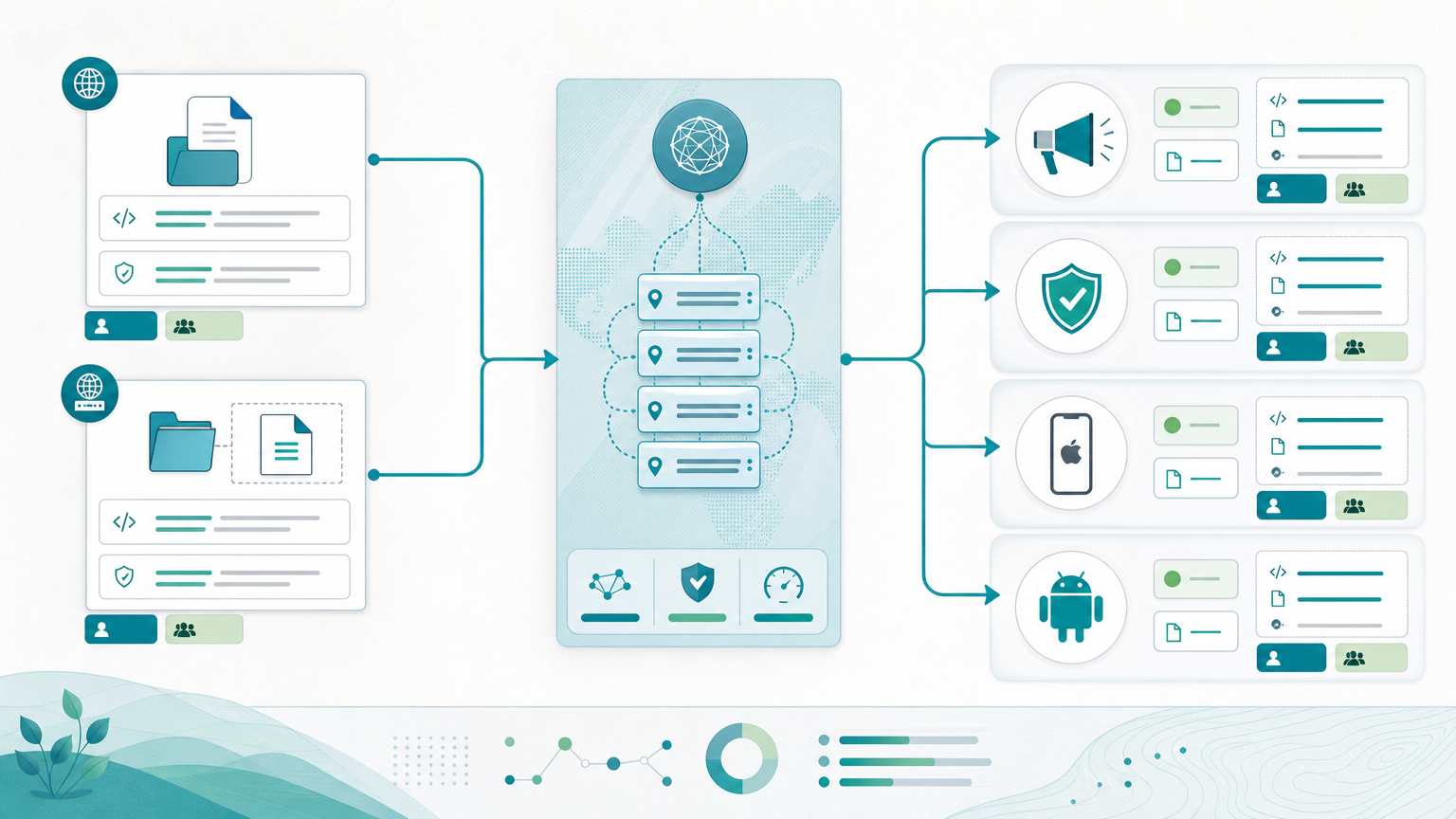
Ad ops는 root의 ads.txt를 원합니다. Security는 /.well-known/의 security.txt를 원합니다. Mobile은 apple-app-site-association이 필요합니다. Android는 assetlinks.json이 필요합니다. CMS, 쇼핑몰, site builder는 일반 페이지에는 괜찮아도 이런 특정 URL에서 막힐 수 있습니다.
그 결과 작은 파일 하나가 광고 검증, 보안 신고, app link, migration을 막습니다.
Universal Links나 Android App Links를 함께 다룬다면 Firebase 이후 Universal Links와 App Links 설정도 보세요. 이 글은 파일 제공 자체에 집중합니다.
root와 .well-known 문제
파일은 작지만 검증하는 시스템은 엄격합니다.
흔한 실패:
- CMS가 root file을 허용하지 않음
/.well-known/을 app router가 잡아먹음- 파일 앞에 redirect가 생김
- Content-Type이 틀림
- launch 후 owner가 없음
Edge는 사이트 전체를 바꾸지 않고도 정확한 path에 직접 응답할 수 있어 유용합니다.

파일마다 역할이 다릅니다
ads.txt와 app-ads.txt
광고 투명성과 inventory control을 위한 파일입니다. 읽기 쉬워야 합니다.
- direct path
200response- plain text
- clear owner
login, redirect, CMS fallback 뒤에 있으면 검증이 실패할 수 있습니다.
security.txt
security.txt는 취약점 신고 연락처를 알려줍니다. 많은 팀에서 web, security, legal, platform 사이에 책임이 흩어집니다.
Edge response를 쓰면 path, body, Content-Type, owner를 규칙으로 관리할 수 있습니다.
apple-app-site-association
Apple Universal Links는 AASA 파일이 올바른 위치에 있어야 합니다. 이 파일이 잘못 제공되면 앱을 디버깅해도 원인을 찾기 어렵습니다.
assetlinks.json
Android App Links는 유효한 assetlinks.json이 필요합니다. 파일이 없거나 오래됐거나 builder가 바꾸면 domain verification이 흔들립니다.
Edge response가 맞춰야 하는 것
똑똑할 필요는 없습니다. 정확해야 합니다.
| File | Typical path | Requirement | Common mistake |
|---|---|---|---|
ads.txt | /ads.txt | 200, text, stable content | redirect나 login 뒤에 둠 |
app-ads.txt | /app-ads.txt | 200, text, app inventory | 앱 inventory를 잊음 |
security.txt | /.well-known/security.txt or /security.txt | 200, text, current contact | root path owner 없음 |
apple-app-site-association | /.well-known/apple-app-site-association or /apple-app-site-association | 200, JSON, exact body | Content-Type 또는 path 오류 |
assetlinks.json | /.well-known/assetlinks.json | 200, JSON, exact body | CMS가 route를 재작성 |
플랫폼이 다른 exact path를 요구하면 그 문서를 따르세요. 핵심은 검증 가능한 계약을 유지하는 것입니다.
검증 파일을 redirect 뒤에 숨기지 마세요
검증 파일은 direct response가 보통 더 안전합니다.
추가 hop은 추가 장애 지점입니다. 어제 통과한 검증이 오늘 실패했을 때 조사도 어려워집니다.
consumer가 redirect를 명확히 허용할 때만 사용하고, 그렇지 않으면 직접 제공하세요.
Owner를 정하세요
이 파일들은 launch 후 owner가 사라질 때 잘 깨집니다.
실무 모델:
- ad ops가
ads.txt와app-ads.txt - mobile engineering이 AASA와
assetlinks.json - security 또는 platform이
security.txt - web/platform이 path, status, Content-Type
CMS 변경, rebrand, app update 때 이 ownership이 시간을 줄입니다.
운영 절차
- 각 파일의 exact path 정하기
- body와 Content-Type 정의하기
- edge에서 직접 제공하기
- owner와 review date 기록하기
- browser뿐 아니라 실제 consumer로 테스트하기
root file 하나 때문에 origin deploy를 늘리고 싶지 않은 팀에 잘 맞습니다.
UrlEdge가 맞는 경우
UrlEdge의 Custom Response Tool은 text나 JSON response를 edge에서 제공할 수 있습니다.
유용한 경우:
- origin이 root 또는
.well-known을 잘 처리하지 못함 - direct
200response가 필요함 - Content-Type과 body를 통제해야 함
- 해당 domain이 이미 UrlEdge에서 redirect나 routing을 사용함
전체 deep link stack을 대체하는 기능은 아닙니다. 검증 파일 hosting friction을 줄이는 방법입니다.
FAQ
이 파일들은 origin에 있어야 하나요?
아닙니다. 기대되는 path에서 올바르게 읽히면 됩니다. origin이 어렵다면 edge delivery가 실용적입니다.
redirect해도 되나요?
검증하는 쪽이 허용할 때만 가능합니다. 대개 direct response가 더 안정적입니다.
CMS에 맡기면 안 되나요?
많은 CMS는 페이지에는 강하지만 root나 /.well-known/에는 약합니다.
모바일 앱만의 문제인가요?
아닙니다. AASA와 assetlinks.json은 앱 관련이지만 ads.txt, app-ads.txt, security.txt는 광고와 보안 문제입니다.
참고
origin을 건드리지 않고 검증 파일을 제공하세요
root와 .well-known 파일을 edge에서 반환하고 status, Content-Type, ownership을 명확히 유지합니다.
Edge responses 보기관련 글
전체 보기
www, apex, wildcard forwarding에서 SEO를 망치지 않는 방법
Host normalization은 작아 보이지만 root, www, subdomain, path, query가 따로 움직이면 redirect chain이 됩니다. canonical host를 먼저 정해야 합니다.

유료 광고와 제휴 트래픽을 위한 링크 방화벽: 봇, 프록시, 나쁜 클릭 걸러내기
모든 나쁜 클릭이 사기는 아니지만, 광고비와 제휴 수수료, 리포트를 흔들 수는 있습니다. 링크 방화벽은 목적지에 도달하기 전에 트래픽 처리 방식을 정합니다.